Data Sources
Country Workspace supports importing beneficiary data from several sources. Each import runs within the selected Program and creates a Batch containing the imported records.
The general process is described in Data Import. This section explains how the available sources differ and how to configure each one.
Choosing a data source
Open Import Data, then select the tab for the source where the beneficiary data is maintained.
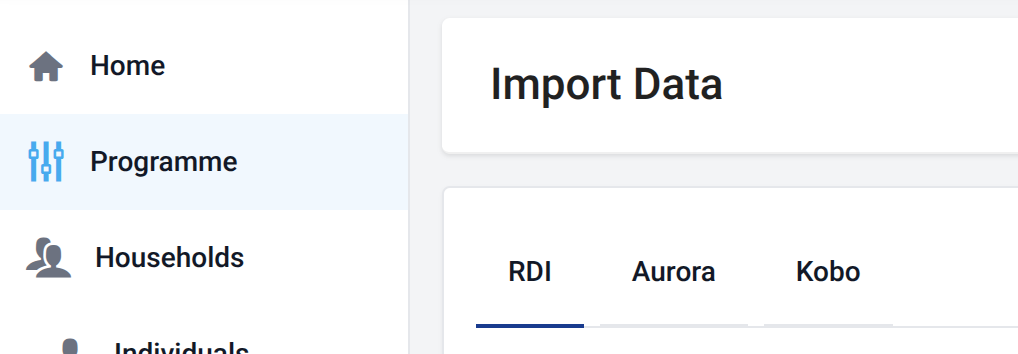
Country Workspace currently supports:
| Source | Input | Program structure | Import behavior |
|---|---|---|---|
| RDI (Excel file) | Uploaded workbook | Household-based and people-only | Processes the uploaded workbook |
| Aurora | Aurora Registration | Household-based and people-only | Imports records incrementally |
| Kobo | Kobo project | Household-based only | Imports submissions incrementally and may continue across several jobs |
Important differences
- RDI performs Batch-level duplicate identity detection during import when an identity field is configured in the relevant DataChecker.
- Aurora and Kobo do not automatically synchronize changes to previously imported records.
- Aurora and Kobo can create an empty Batch when no newer records or submissions are available.